


Two axes. Your expression.
Map each joystick axis to MIDI CC or pitch bend. Shape a filter and an effect together, or give pitch and modulation a home under one thumb.
Meet pipSqueak · Handcrafted in NYC
Bring a little movement to your music. Two axes and a center press put pitch, modulation, and your next idea right under your thumb.
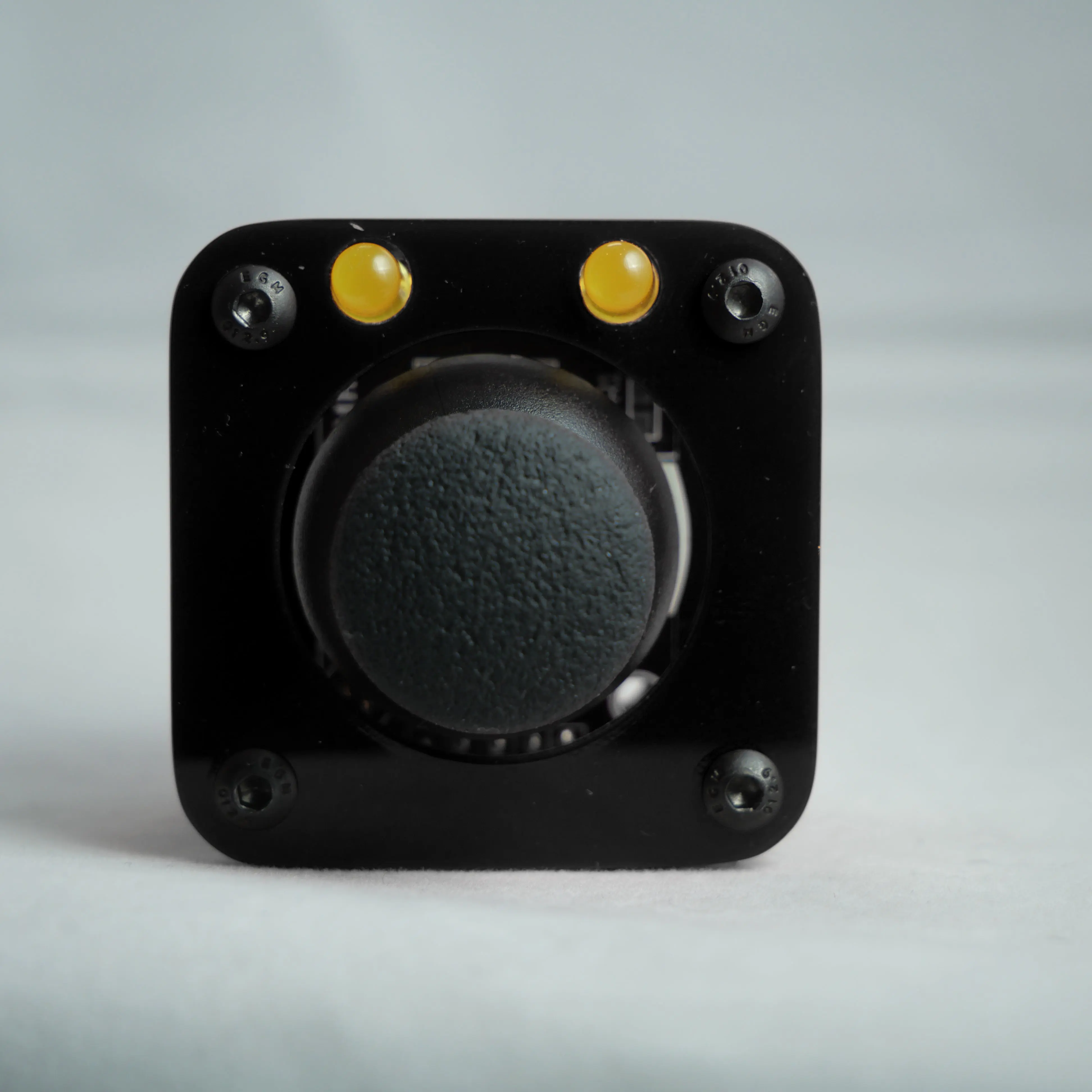
Find the one that feels like you
A small creative companion, with a look of its own. Explore each option for finishes, LED choices, and availability.
From the workbench
A joystick, a pair of lights, and the construction out in the open. These earlier pipSqueak designs show the idea taking shape: a compact controller that puts movement at the center of making music.
Look between the acrylic plates and you can see the wiring, boards, and brass standoffs that hold it together. That hands-on character is part of pipSqueak’s story. Today’s controllers are still handcrafted in New York City, ready for you to make them your own.
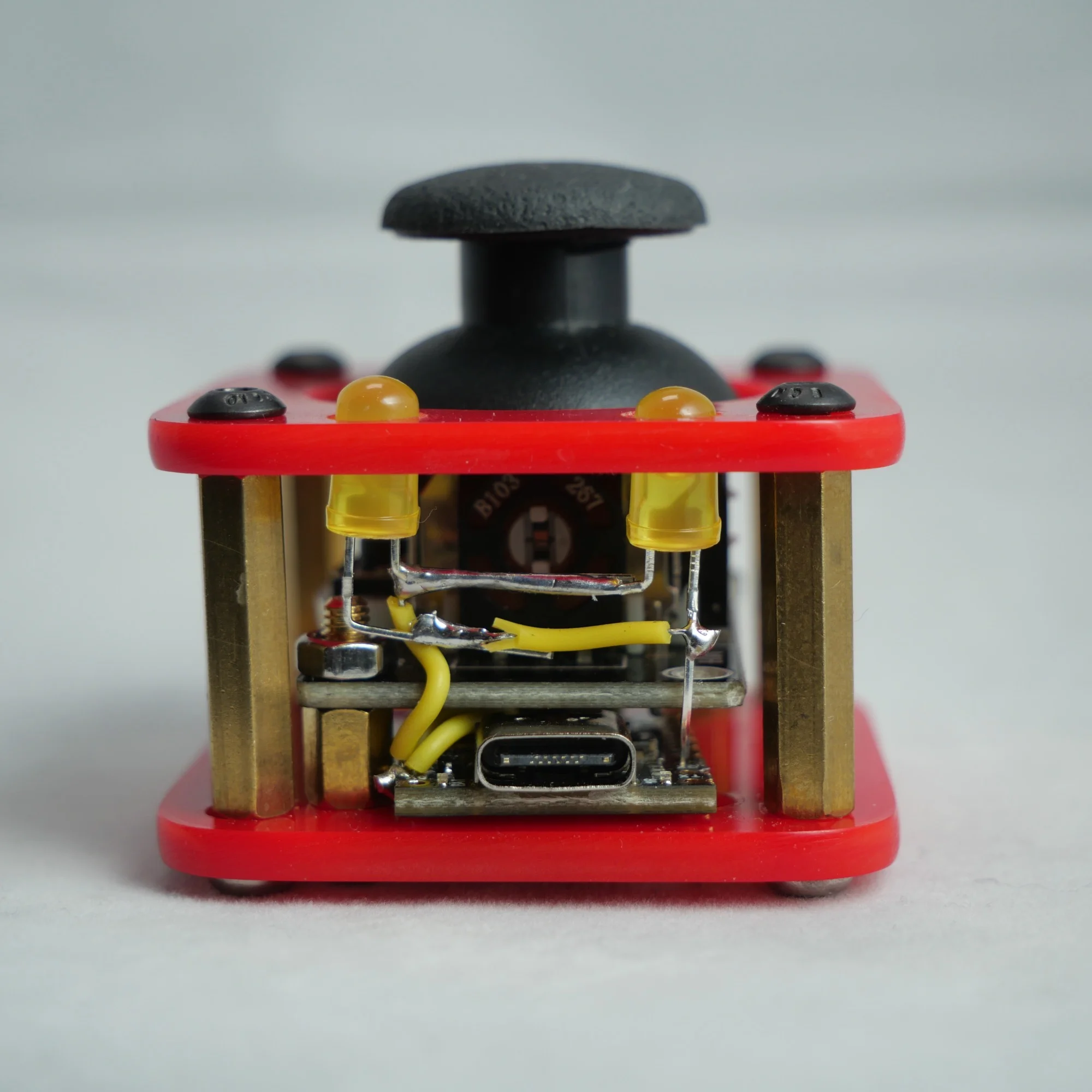
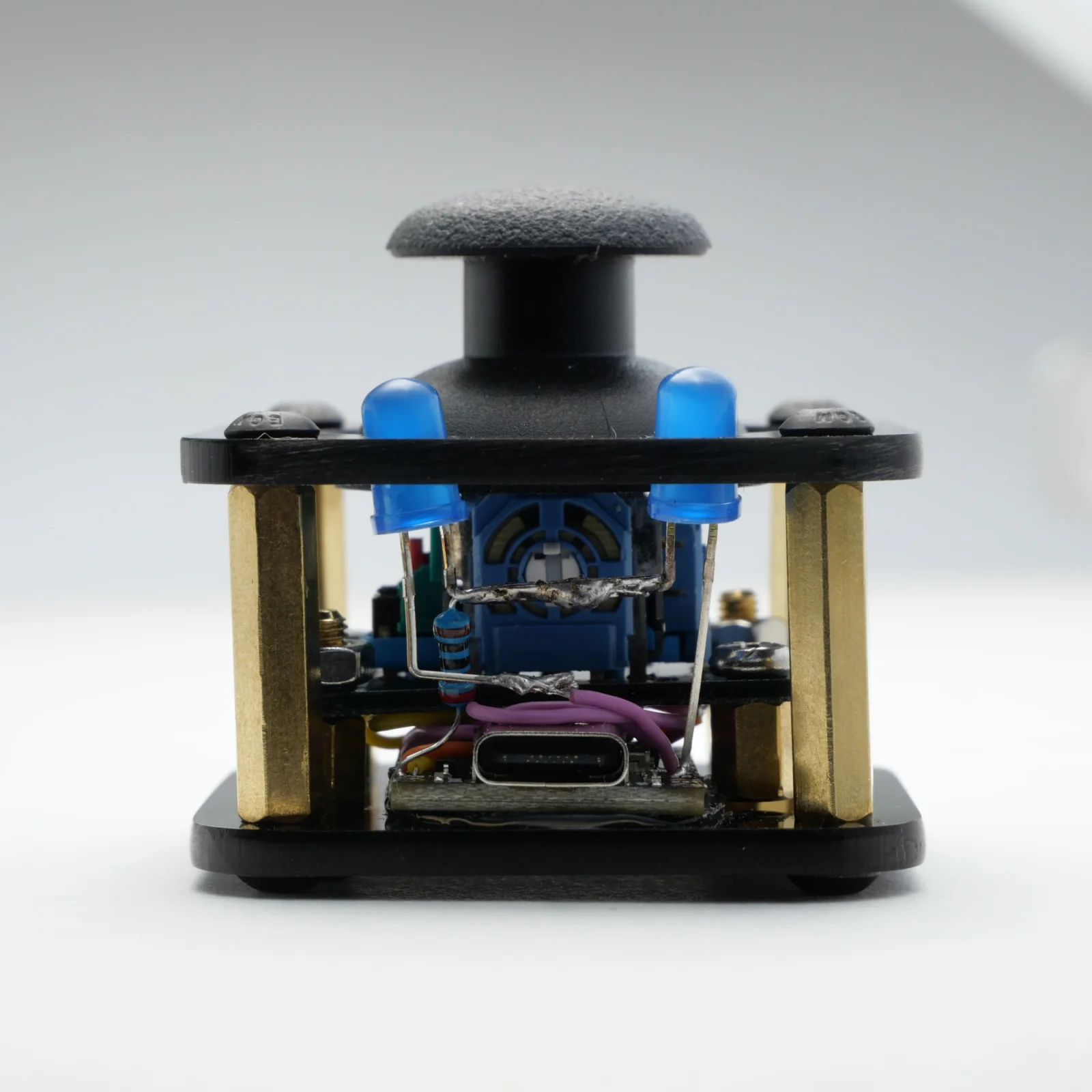
Small on the desk. Open to ideas.
The controls are just the beginning. With current useMidi firmware, you can build a setup around your music.
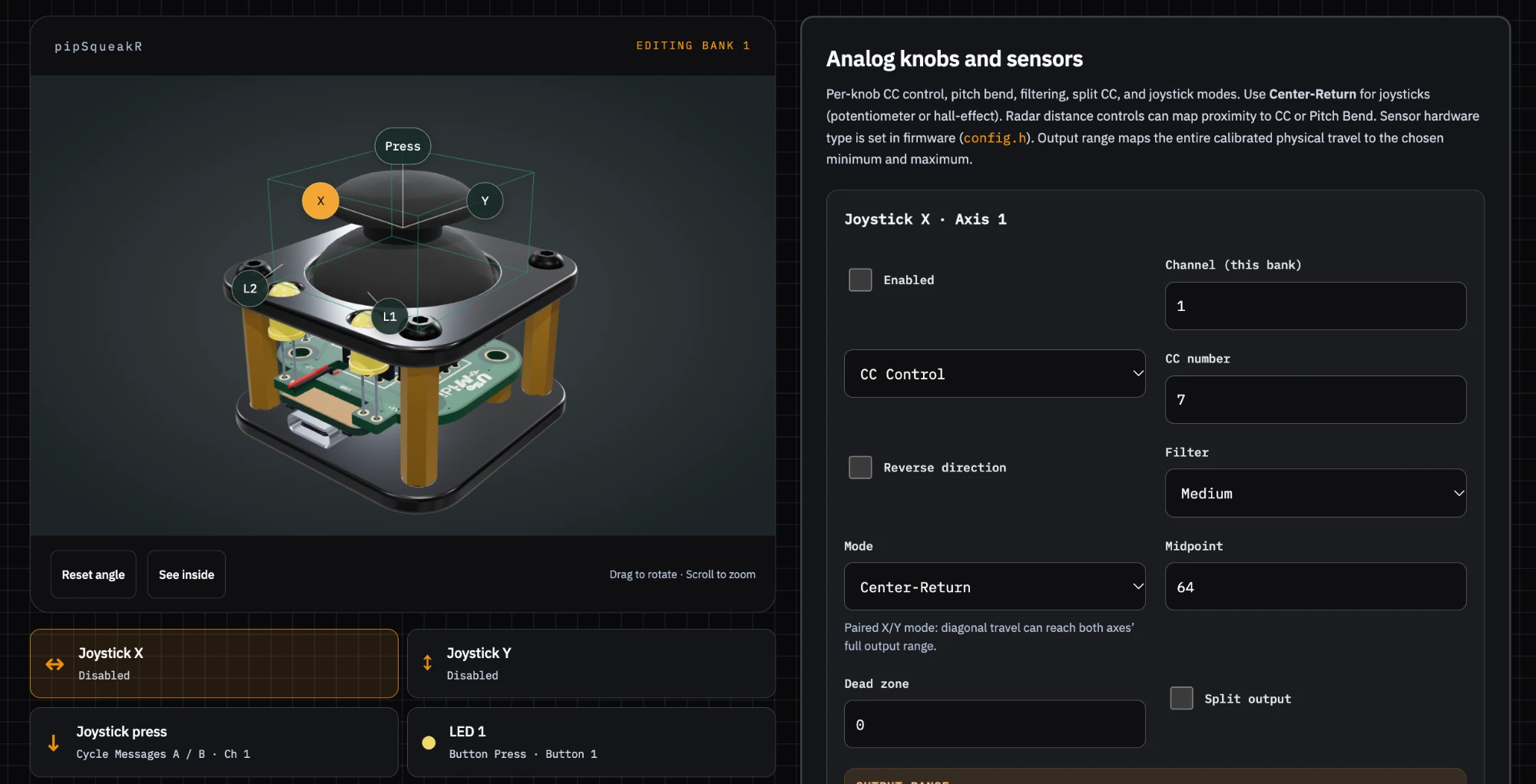
Map each joystick axis to MIDI CC or pitch bend. Shape a filter and an effect together, or give pitch and modulation a home under one thumb.
Assign the center button to a note, Control Change, or Program Change. Choose momentary or latching behavior to suit the way you play.
Build a chord from one press with up to six additional harmony notes, each with its own velocity and MIDI channel.
Save alternate control maps in programmable banks. Keep one setup for a synth and another for effects without changing your hardware.
Adjust ranges, invert an axis, or split it between two CC messages. Full Diagonals mapping lets both axes reach their full range together at the corners.
Use the browser configurator to edit and save your controls. Export a configuration file so you can back it up or return to a favorite setup.
Available settings depend on your controller and installed firmware. Explore the configurator guide
A little more expression
Connect over USB to your MIDI-compatible music software and start exploring.